How Do I Log In to the Wp-Admin of My Staging Site?
Step 1 of 3
Open Your Site Dashboard
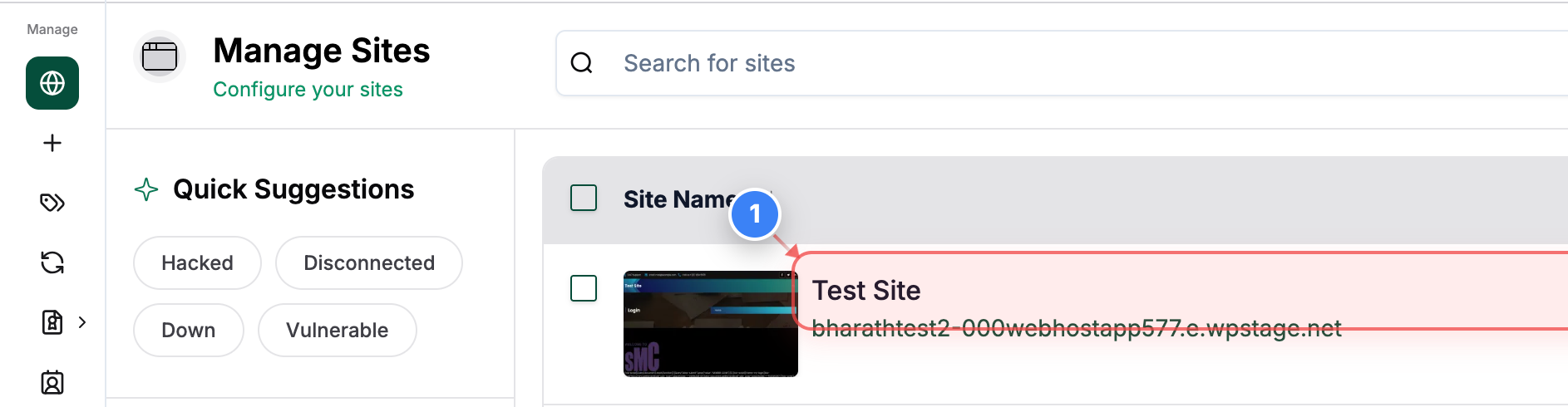
Click on your site in the Sites list to open its management dashboard.
Note: This opens the main page where you can view details and available actions for the selected site.
Step 2 of 3
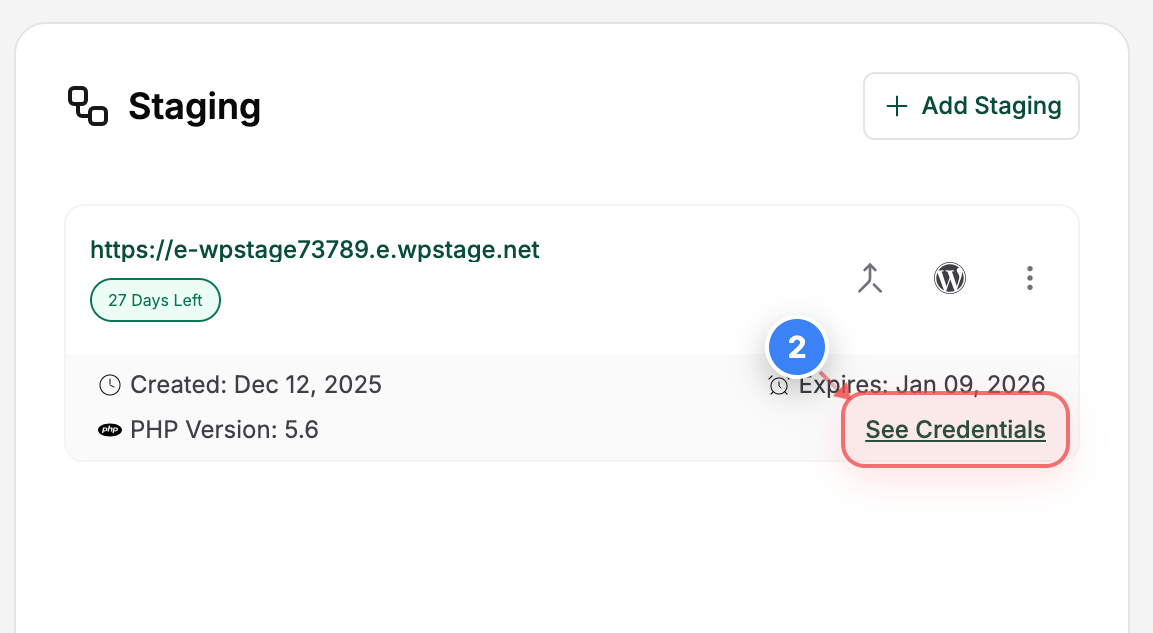
Access Staging site Options
Click the "See Credentials" button in the Staging area to reveal the connection and access details for your Staging site.
Note: This section includes key information such as creation date, expiry date, and login credentials, etc.
Step 3 of 3
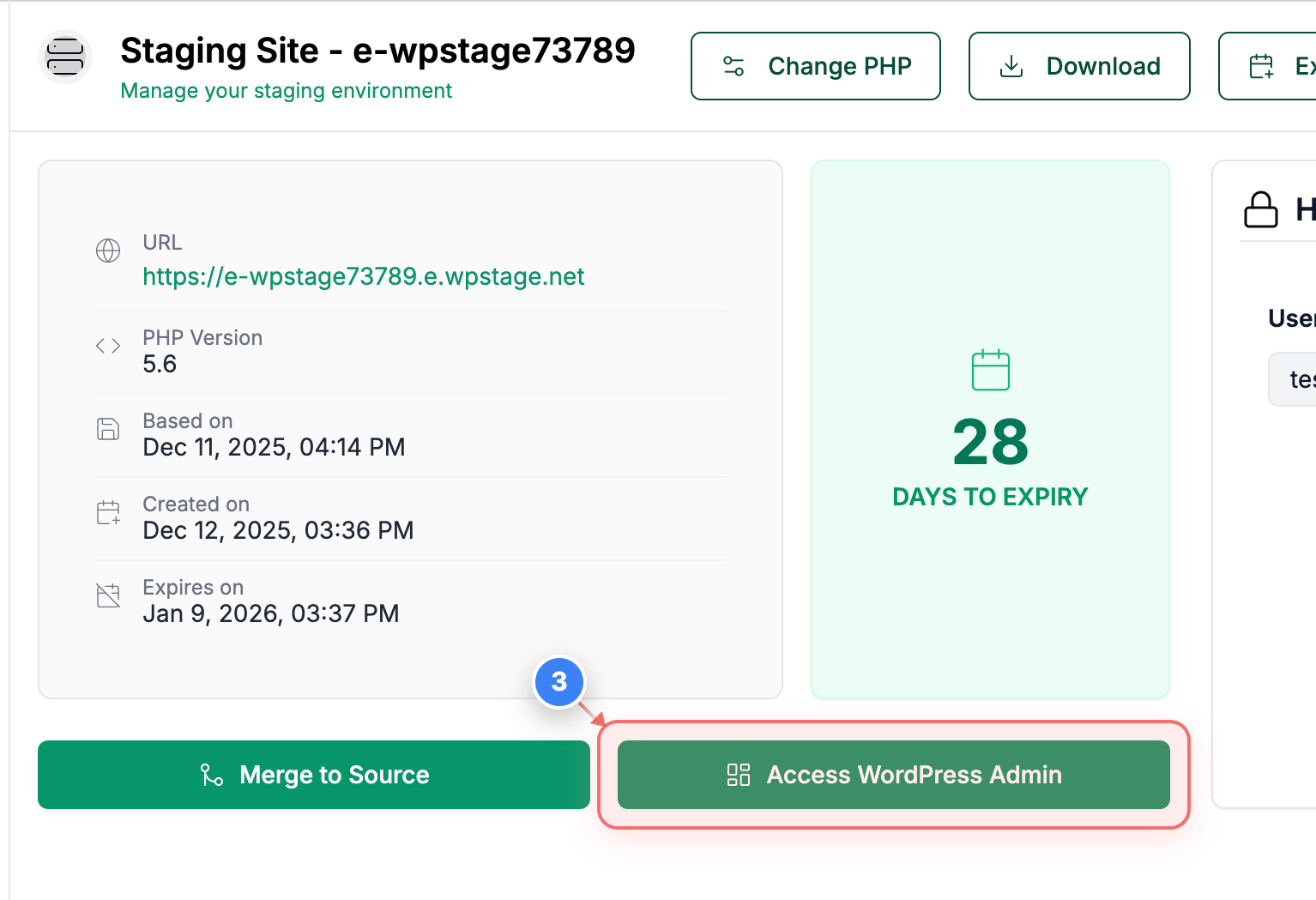
Access WordPress Admin
Click the WordPress Admin access button in the staging site details area to open the WordPress dashboard for your staging environment.
Note: This provides direct access to the WordPress admin panel for managing your staging site.