How Do I Know If My Website Has Been Hacked?
The malware scan feature is available only on plans that include security. Your site is automatically scanned every 24 hours, or based on the frequency included in your current plan.
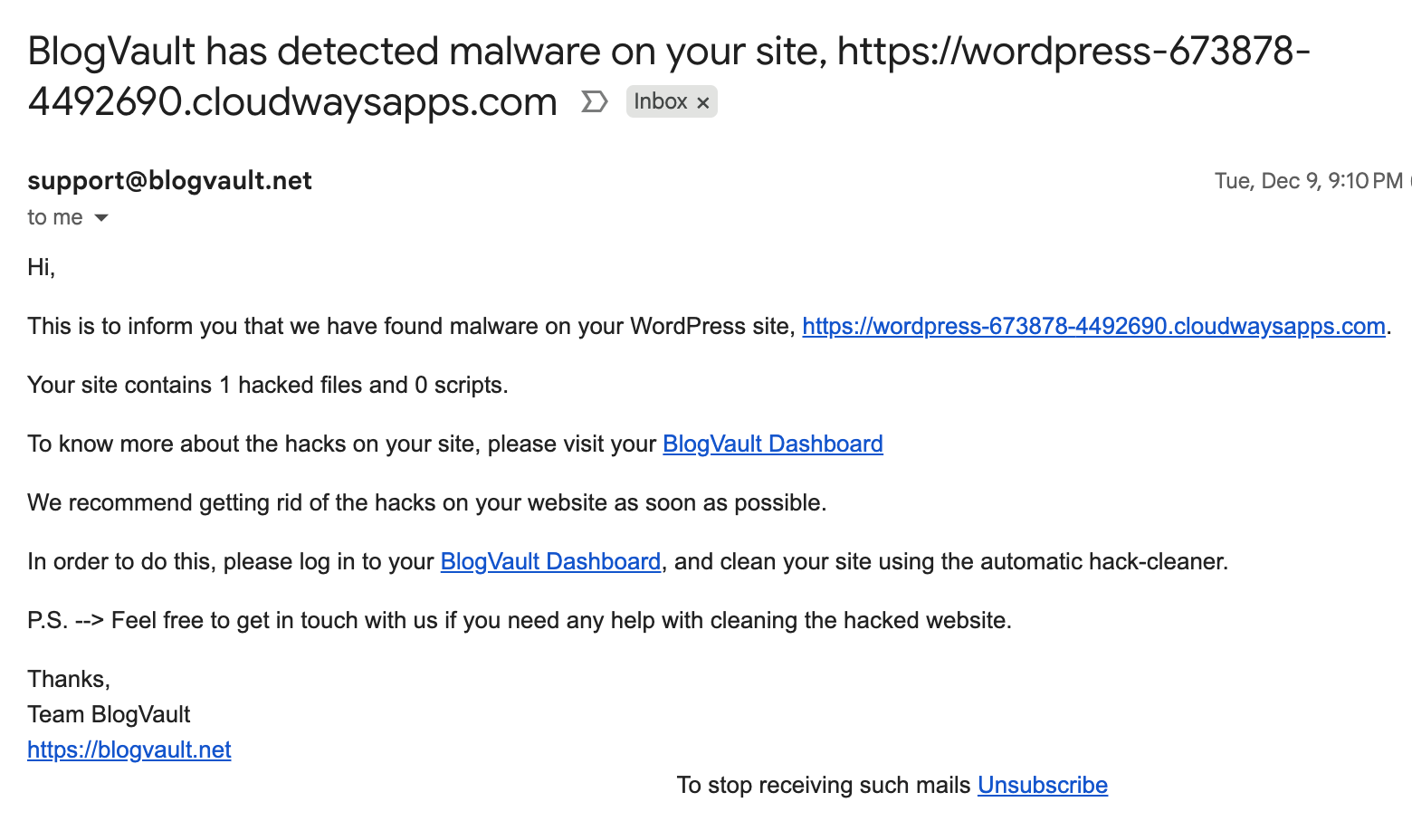
If our scan detects any signs of a hack or malicious activity, you will immediately receive an email notification.
Otherwise, you can also see the status on the dashboard>>
Step 1 of 5
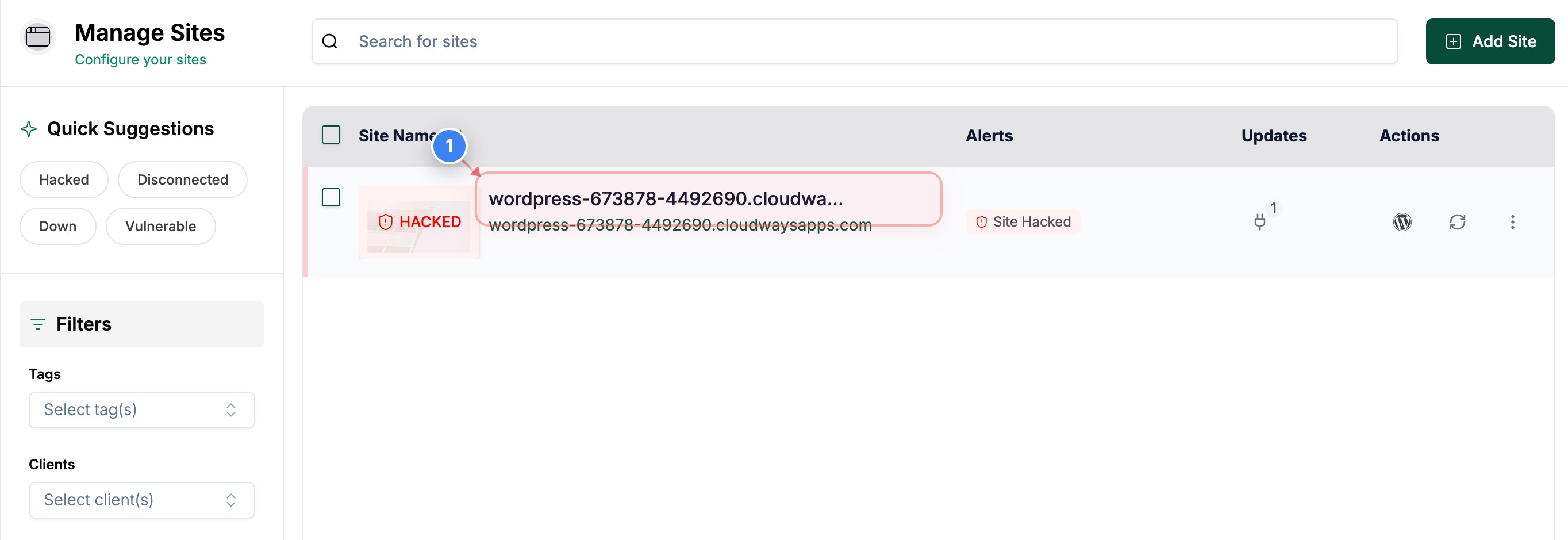
Open Your Site Details page
Click on your site in the Sites page to open the details page.
Note: You can also see the Site Hacked alerts on this page
Step 2 of 5
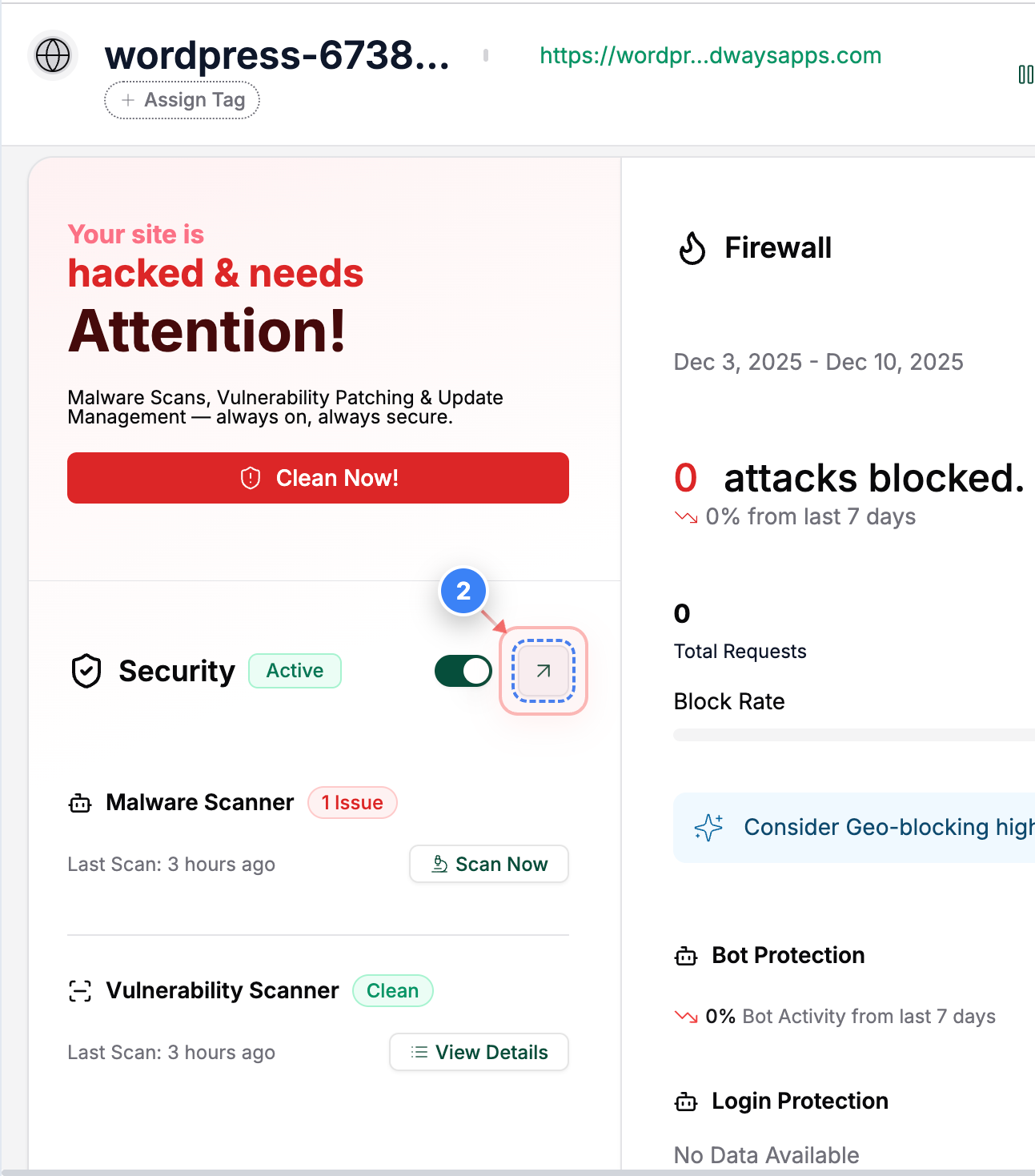
Open Security Section
Click the Security section on this page to access security tools and scan results.
Note: This section shows your site's security status and other security information.
Step 3 of 5
Current Site Status
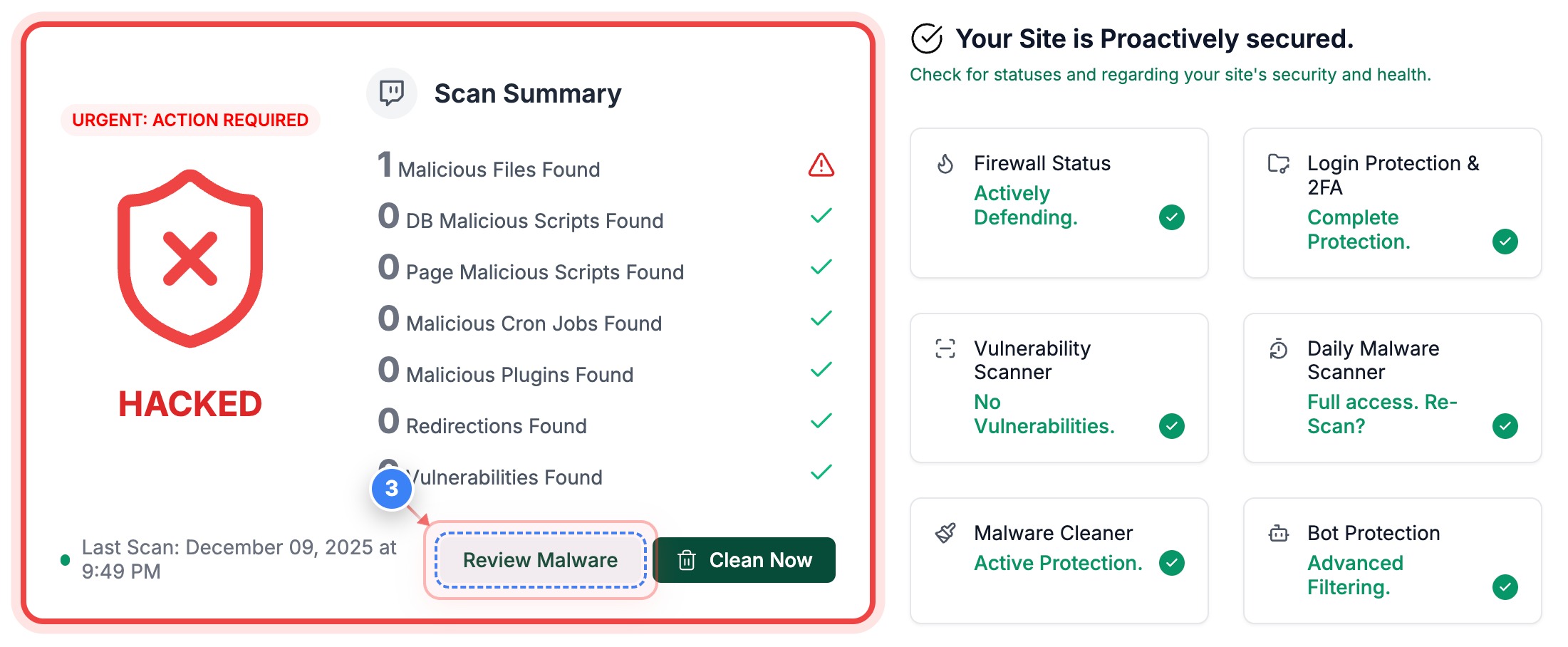
Click the Review Malware button on the Security page to view malicious files.
Note: You will be able to review the malware file details and clean the site with our cleaner