How do I use a Report Template?
Step 1 of 6
Open Report Templates
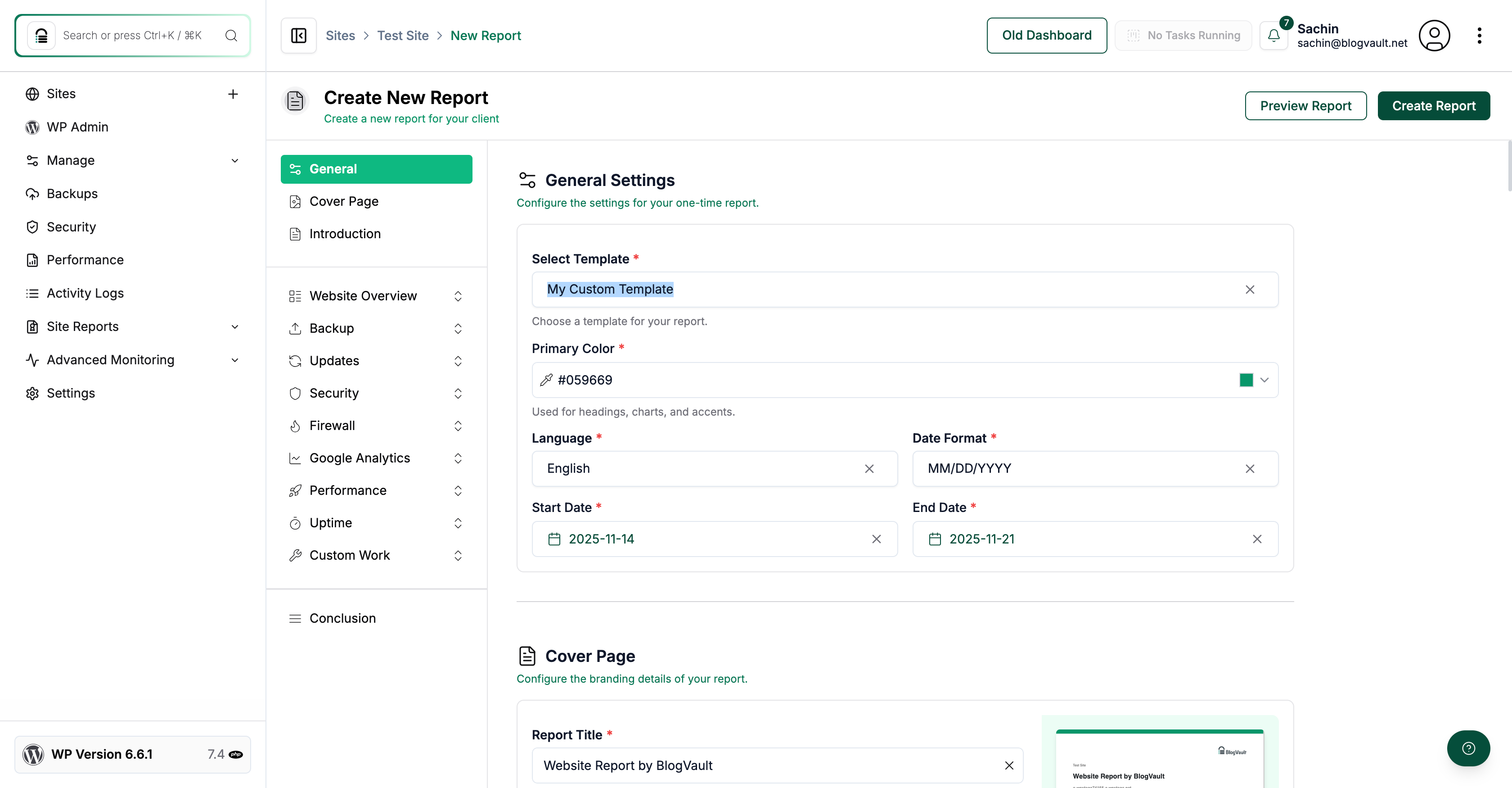
Click the Add Report Template option in the sidebar to access the report template section.
Step 2 of 6
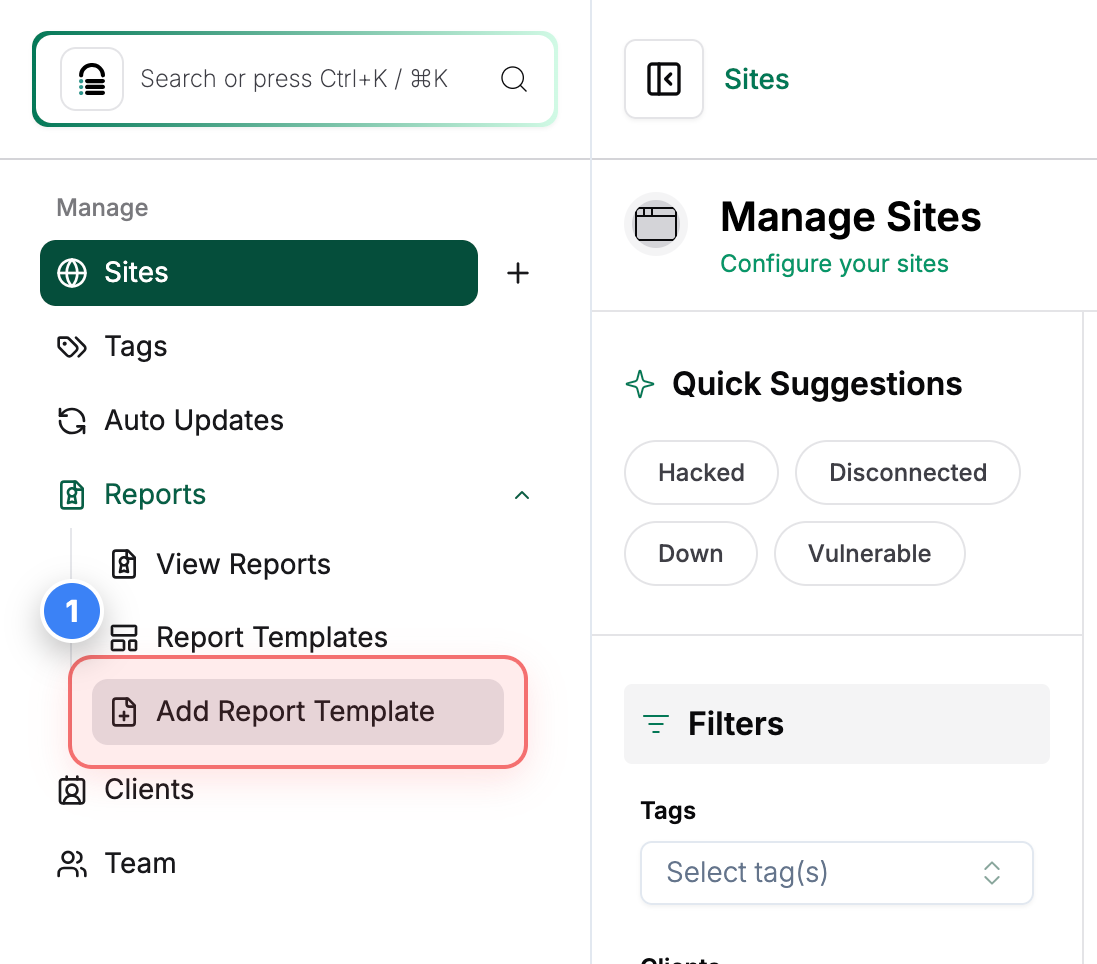
Create New Template
Select the Create Report Template option at the top of the page to begin creating a new template.
Step 3 of 6
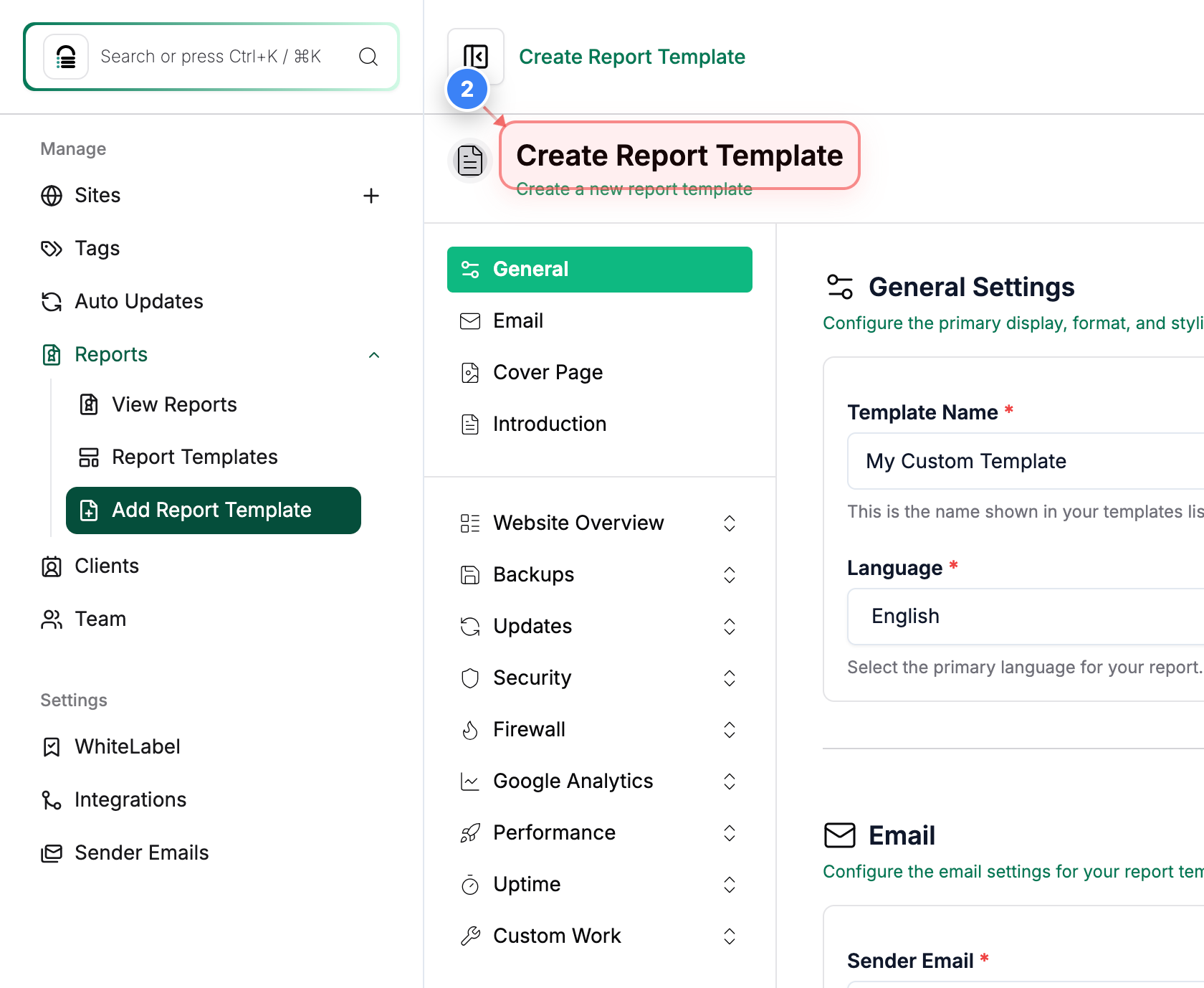
Create Template Setup
Fill in the details according to your requirements for the Custom Template & click the Create Template button in the header area to save and proceed with your new template.
Step 4 of 6
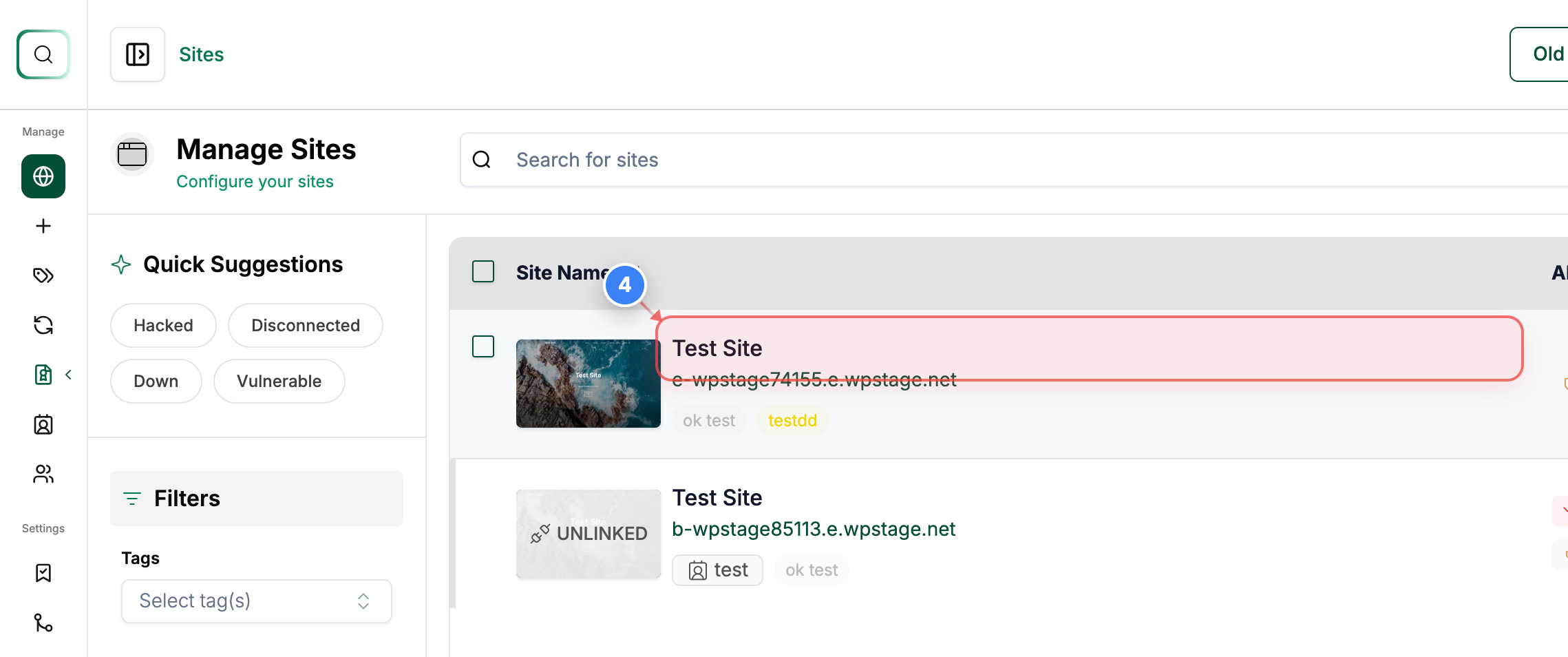
Open Site Details
Click on your Site in the site list to open its management options.
Step 5 of 6
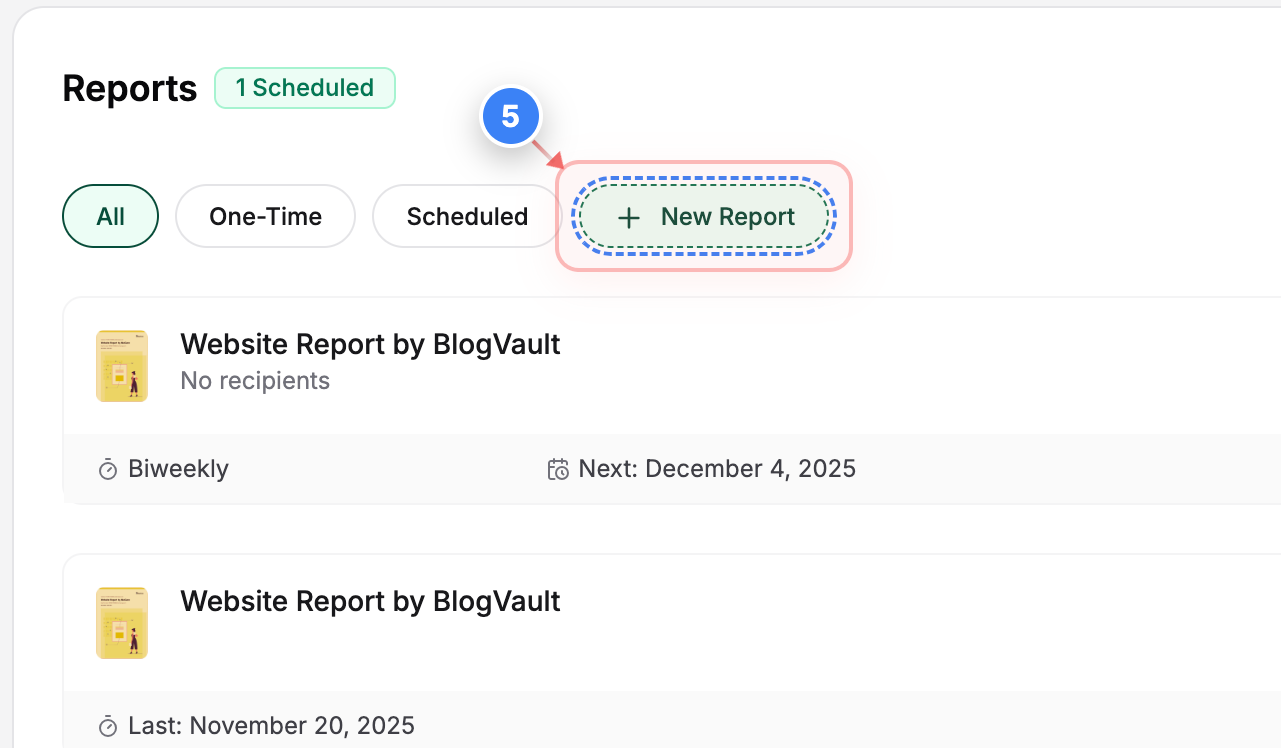
Create New Report
Select the New Report button in the Reports section to start preparing a report for the chosen site.
Step 6 of 6
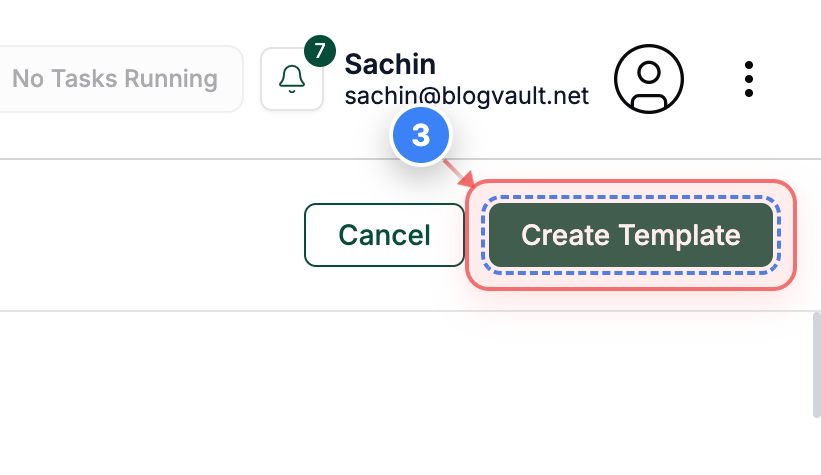
Edit Report
Use the Report Builder page to configure your report by adjusting the custom template you have created.
Note: Verify fields like date range, template selection, and cover page assets before generating the final report.