How Do I Back Up My Website Before Migration?
Step 1 of 3
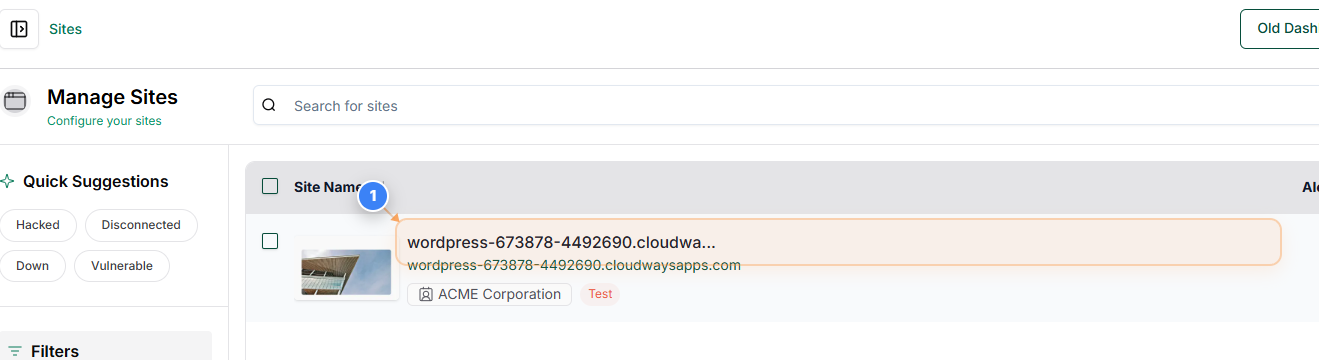
Open the Site Dashboard
Click on your site name in the Sites list to open its dashboard and access site-level backup options.
Step 2 of 3
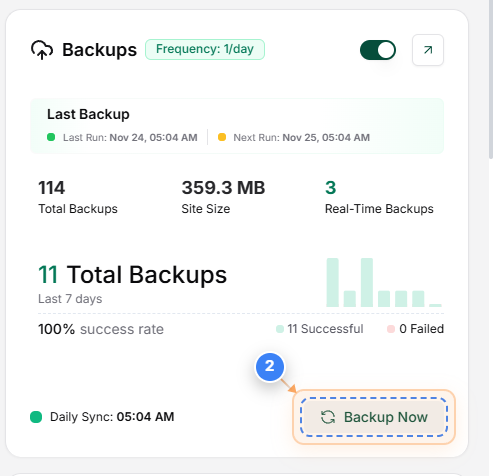
Start a Manual Backup
Click the Backup Now button in the Backup section on the right side to immediately start creating a new backup of your site.
Note: After clicking, the page will update automatically once the backup begins. You will also see status updates appear at the top of the page.
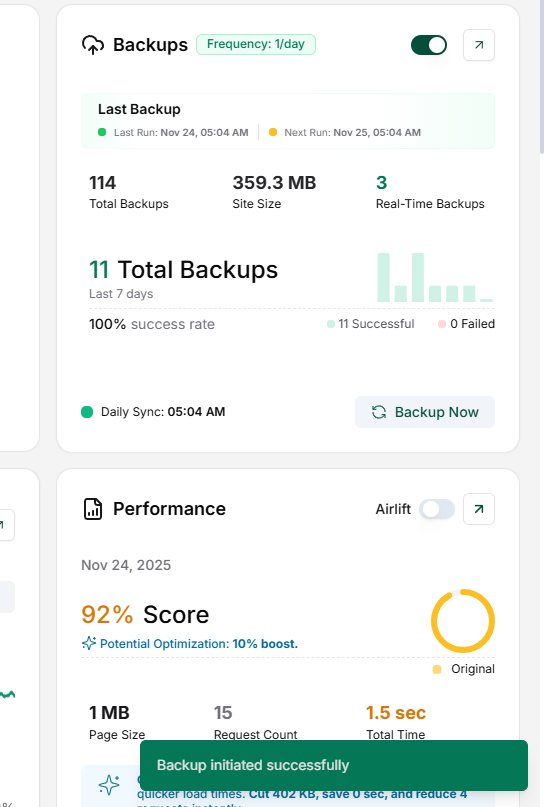
Step 3 of 3
Await Backup completion
A pop-up will appear confirming that the backup process has started. The sync icon on the Backup Now button will continue to spin until the backup is fully completed.