How Do I View My Current Subscription and Invoice?
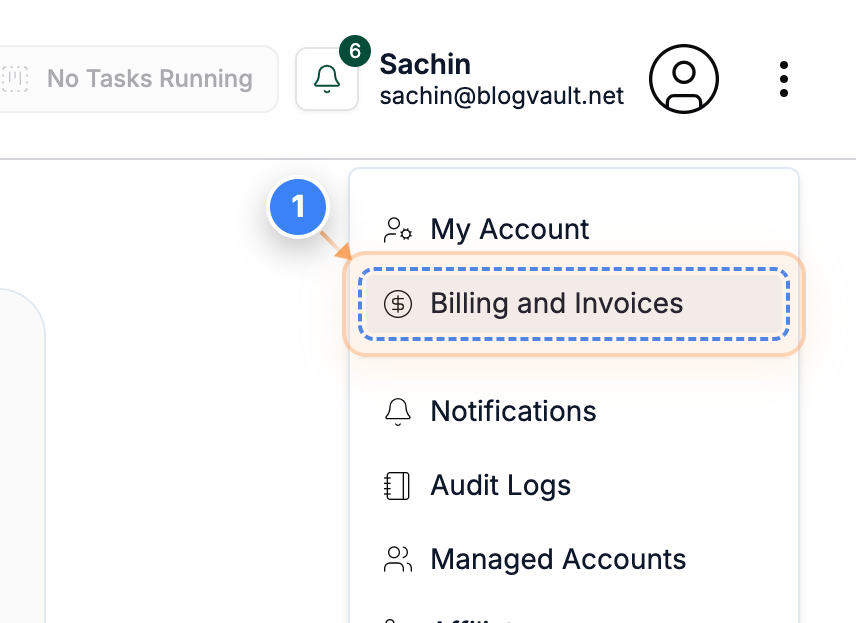
Step 1 of 3
Open Billing and Invoices
Click the "Billing and Invoices" link in the top-right menu to access your billing settings and payment information.
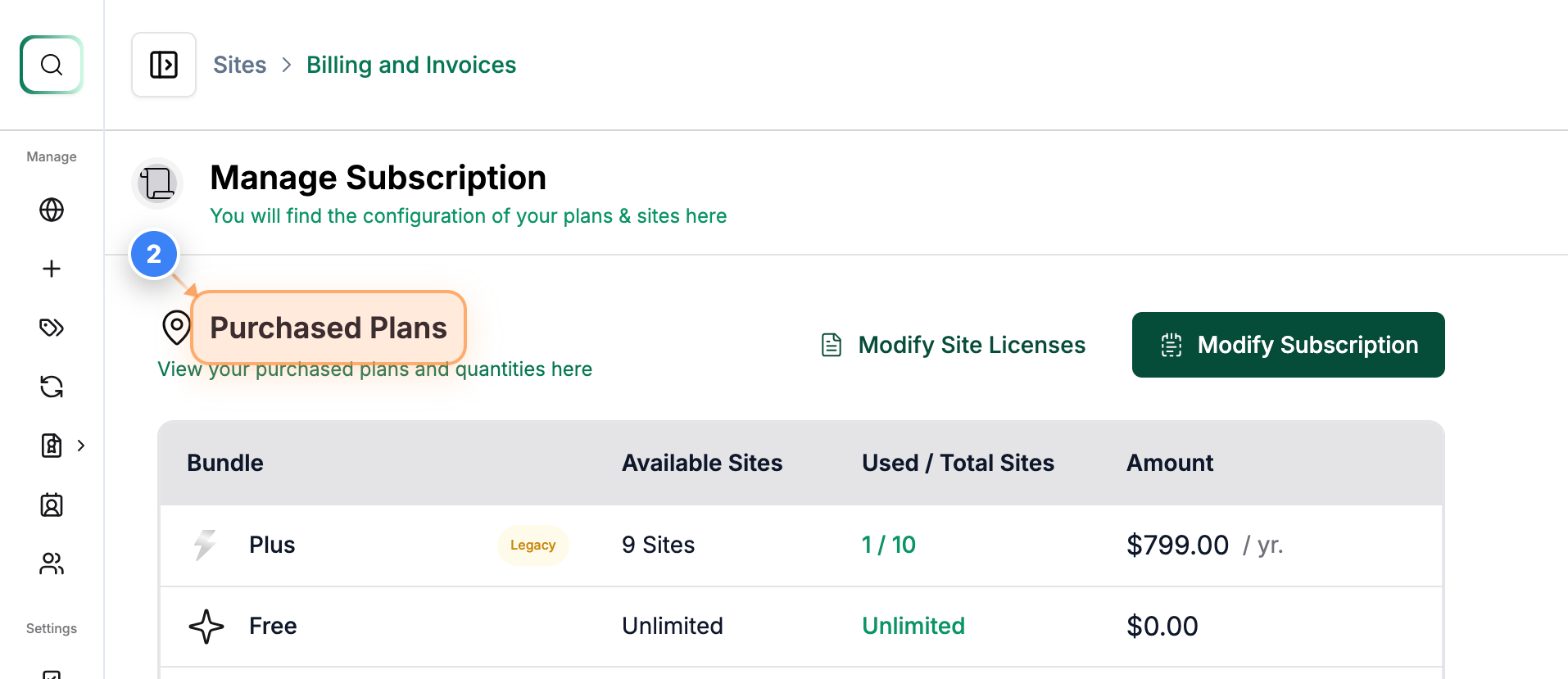
Step 2 of 3
View Purchased Plans
Here you can see the "Purchased Plans" at the top-left of the Billing and Invoices page, where you can review the plans currently active on your account.
Note: You can upgrade or downgrade your plan by clicking on the Modify Subscription button.
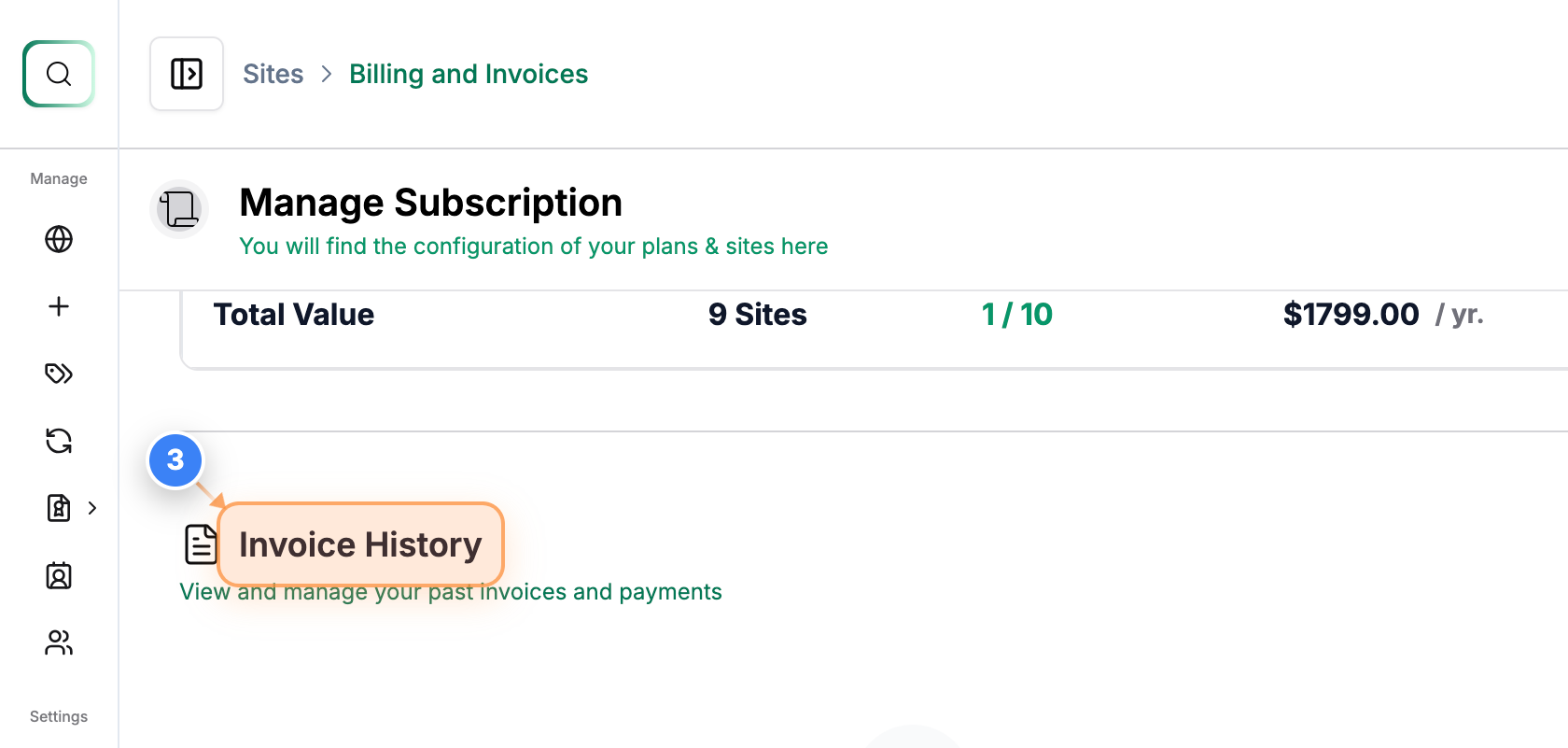
Step 3 of 3
View Invoice History
Also, you can see the "Invoice History" on that page, where you can view all past invoices and download all the Invoices for your account.